What happens to links when you rearrange or remove PDF pages?
A link on a PDF cover can look exactly the same after an edit, even when the page it used to open is gone.
Our test workshop packet had a schedule, a map and a cover that linked to both. The cover also had a link to a website. Making a shorter packet raises two different questions: what happens to links between pages that stay, and what happens to a link whose destination has been removed?
The short answer
When copied as a group, the pages kept links to pages that stayed and lost links to pages left out. Copying pages one at a time gave different results: pypdf kept links with no valid destination, while PyMuPDF dropped the links between pages. The separate website link survived all 60 exports.
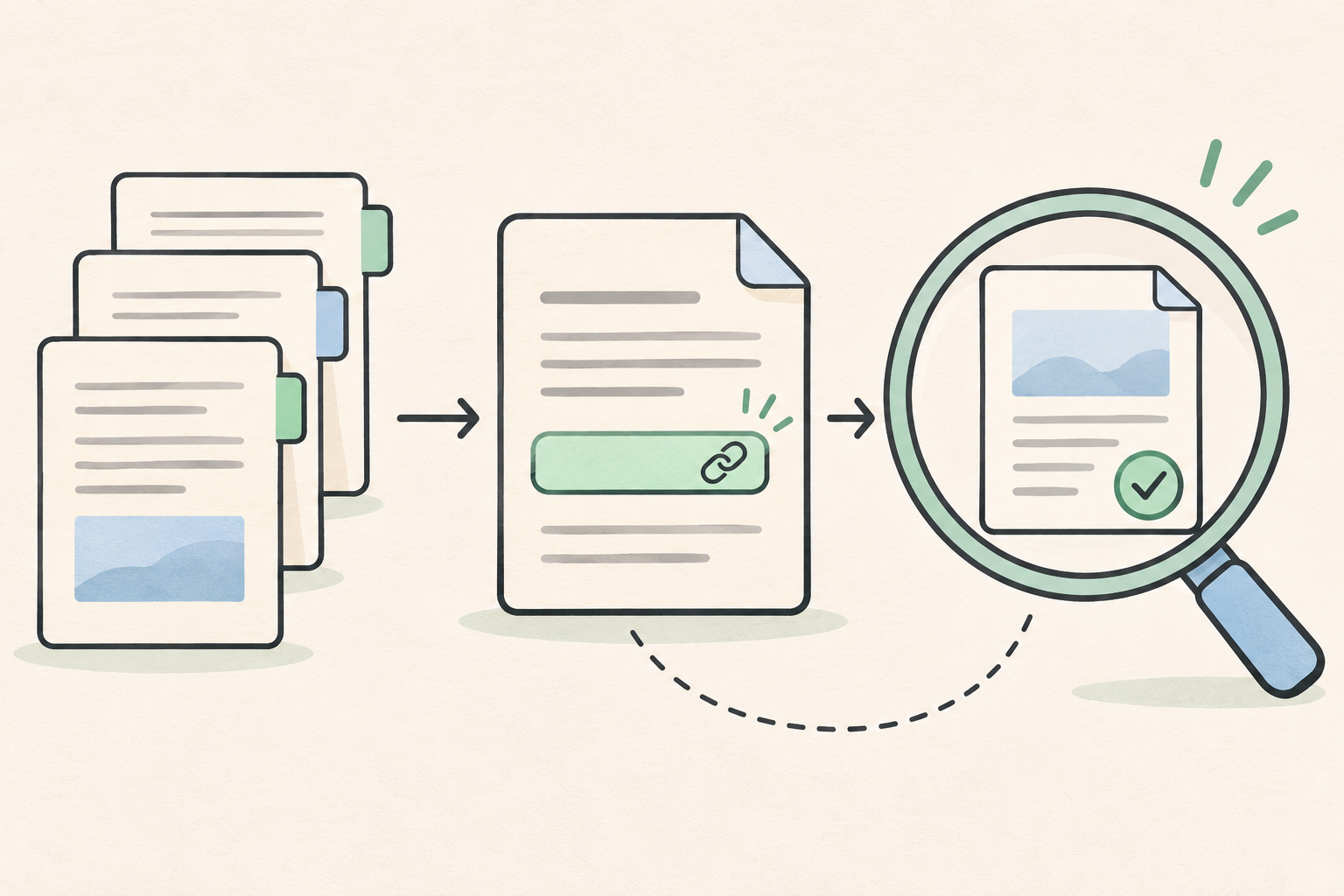
The cover looks the same after a schedule link is removed

Links to pages that stayed
When both destination pages stayed in the packet, group copying kept all 12 internal links across the three packets and two complete page orders. That held even when the pages changed order. For one-page-at-a-time copying, pypdf kept all 12 while PyMuPDF kept none.[1][2][3]
Across the shorter versions that omitted either the schedule or the map, each group-selection method kept all 6 links to pages that stayed: 1 link in each of 3 packets across 2 shorter selections. Adding pages one at a time with pypdf also kept all 6. Inserting them one at a time with PyMuPDF kept none.
What happened to links between PDF pages?
For each method, the first column counts 12 links: 2 links in each of 3 packets across 2 orders that kept all pages. The second counts 6 links to pages that stayed: 1 link in each of 3 packets across 2 shorter selections. The last 2 columns account for 12 links to omitted pages per method across all 3 shorter versions, including the version without either page.
| How we copied the pages | Correct when all pages stayed | Correct links to kept pages in shorter files | Removed links to omitted pages | Links with no valid destination |
|---|---|---|---|---|
| pypdf, pages together | 12 | 6 | 12 | 0 |
| PyMuPDF, pages together | 12 | 6 | 12 | 0 |
| pypdf, one page at a time | 12 | 6 | 0 | 12 |
| PyMuPDF, one page at a time | 0 | 0 | 12 | 0 |
Links to pages that were removed
In the test exports, each group-selection method removed all 12 links to omitted pages across the 3 shorter versions, including the version without either the schedule or the map. The words on the covers looked unchanged. When pages were added one at a time with pypdf, all 12 links remained in the files as references to pages that were not in the finished PDFs. Inserting pages one at a time with PyMuPDF removed those links. The ZIP contains file-by-file results. [1] [2] [4]
Two inspection tools, pypdf and pikepdf, found no destination in the finished file for any of the 12 links to omitted pages. A third tool, PyMuPDF, interpreted the stored references as links back to the cover. None identified a working route to the intended page.[4]
Checking links before sharing
In the exported copy, try each link that should lead to another page in the PDF. Check the heading on the page you reach. If pages have moved, the heading is more useful than the old page number.
If the schedule is left out, the old cover text and link may both need changing. Where a current schedule is available online, the cover can point there instead. Try the link from the exported copy a reader will receive.
Check the PDF you plan to share
Open the exported PDF
Use the copy you plan to share.
Try a link to another page
Check the page heading to make sure the link takes you to the right place.
Fix links to missing pages
Remove both the link and its wording, or update them to point to a current destination.
How we tested the PDFs
We made 3 fictional 4-page workshop packets with ReportLab 4.4.9, one each in English, Spanish and French. Each cover had direct links to the schedule and venue map, plus an embedded website link. For each packet, we used 5 page selections with each of 4 methods, producing 60 exports.
With pypdf 7.1.0, we either appended selected pages as a group or added them one at a time. With PyMuPDF 2.1, we either selected pages as a group or inserted them one at a time. We then used pypdf and pikepdf 10.18.2 to inspect the links stored in the files. The PyMuPDF reader agreed on valid destinations. We recorded its interpretation of links to removed pages separately. [1] [2] [3] [4]
The two runs produced identical versions of all 63 PDFs: three source packets and 60 exports.
Images of every cover matched the source at 144 dots per inch. A separate check with Poppler 26.05.0 found matching covers at 90 dots per inch and confirmed the website link in all 63 files.
The ZIP contains all 63 fictional PDFs, file-by-file link results, and instructions in English.
Sources and notes
3 fictional workshop packets and 60 exports
- pypdf documentation, merging PDFs and selecting pages.
- PyMuPDF documentation, selecting or reordering pages.
- PyMuPDF documentation, inserting pages and handling links outside the copied range.
- pikepdf documentation, inspecting objects and references stored inside a PDF.