Why a stereo clip can lose its main sound in mono
A promo can still have background sound while a key part of its audio drops out. Two software routes tested what happens when left and right are combined.
30 mono readbacks from 15 stereo exports
Abstract
Combining the two channels of a stereo clip can remove part of its sound while leaving the rest in place. In 15 synthetic exports, a centered background tone remained stable. When we reversed the polarity of the right copy of the test signal, all 3 test tones dropped by at least 35 dB in mono. A delay of 0.5 ms instead suppressed just the 1,000 Hz tone, while overall mono RMS fell by about 0.9 dB. Check the important sound in the exported mono mix as well as the overall level. [1][2]
Your team is reviewing a promotional clip with a voice over music. In stereo, both are present. In the mono preview, you can still hear the music but part of the voice sounds thin or goes missing. The meter can still move because it sees everything in the mix. If you heard the main sound in stereo, listen to each channel on its own before changing the output level.
A stereo file stores a left and a right channel. A mono downmix combines them into one channel. In the Web Audio speaker mix we used, the combined sample is the average of left and right. If the same sound has opposite polarity across the channels, its positive and negative samples can cancel. Another sound shared in the same direction across both channels can remain. [1][2]
Two stereo channels become one mono signal
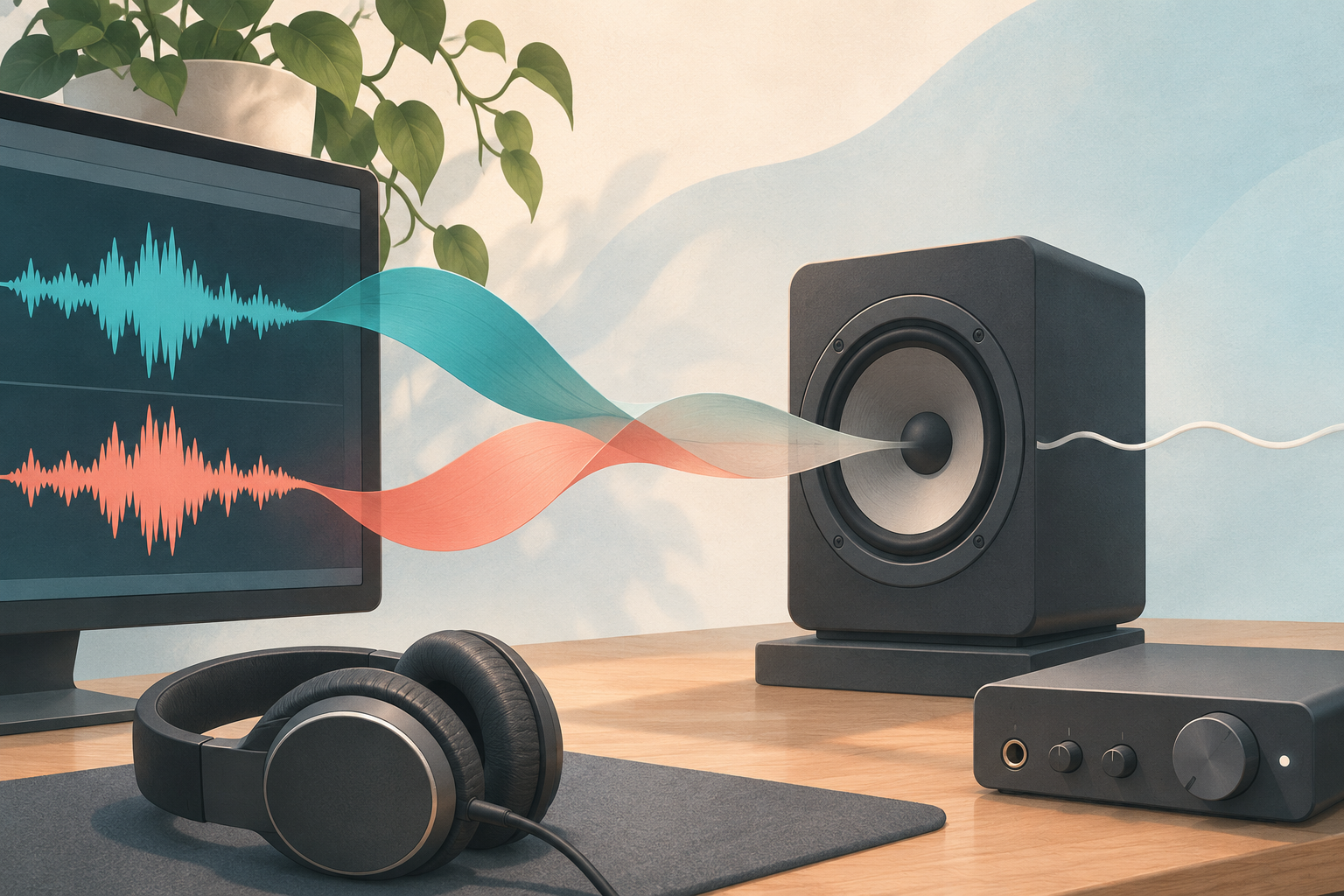
Why the background can stay when the main sound drops out
We made 5 mixes with the same left channel and the same background tone in both channels. The right copy of the test signal matched the left, was absent, had opposite polarity, was delayed, or was restored to match the left. We exported each mix as WAV, AAC-LC and MP3. In both software routes, the background stayed within 1 dB of the aligned reference in every format and mix. That result describes the controlled background tone.
With the right copy absent, the 3 test tones were about 6 dB lower in mono. With the right copy inverted, all 3 fell by at least 35 dB, yet overall mono RMS fell by about 1.7 dB. Restoring the right copy to match the intact left copy returned the measured tones to the reference in all 3 formats. This repair applies to a duplicate of the same source. A stereo mix can also contain useful sound unique to either channel.
Formats that met each tone threshold in mono
Each mix covers WAV, AAC-LC and MP3. Each cell counts formats that met the threshold in both software routes.
| Right test signal | 200 Hz stable | 400 Hz suppressed | 1,000 Hz suppressed | 1,600 Hz suppressed |
|---|---|---|---|---|
| Aligned | 3 | 0 | 0 | 0 |
| Absent | 3 | 0 | 0 | 0 |
| Inverted | 3 | 3 | 3 | 3 |
| Delayed by 0.5 ms | 3 | 0 | 3 | 0 |
| Restored | 3 | 0 | 0 | 0 |
How a tiny delay changes the sound
With the right copy delayed by 0.5 ms, the 1,000 Hz tone dropped by at least 35 dB in all 3 formats. The 400 and 1,600 Hz tones were about 1.8 dB lower, and the 200 Hz background held steady. At 1,000 Hz, 0.5 ms is half a cycle, so the two copies point in opposite directions at the same instant. At the other frequencies the same delay is a different fraction of a cycle.
In this delay case, the whole mono mix was only about 0.9 dB lower in RMS. RMS summarizes the size of the entire signal. Turning up the result changes the background and the remaining test tones together. It leaves the balance between them intact. A review of the signal you need to preserve can catch a loss the overall meter makes easy to miss.
How to check your audio before posting
Open the file you plan to deliver and listen to the same short passage in stereo and in mono. Then solo the left and right channels. If the important sound is present in each solo channel but weak in mono, look for an inverted or delayed duplicate in the editing project. Compare with the original track before replacing or realigning anything. If the mix needs both channels, work on the affected source before mixing it back in. [2]
Export again and repeat the check on that file. For a voice over music, listen for the words while the music is playing. Keep a written or captioned version of a critical message where the format supports it. If your publishing workflow transforms the file, check the resulting playback as well.
Compare the left channel, right channel and mono mix
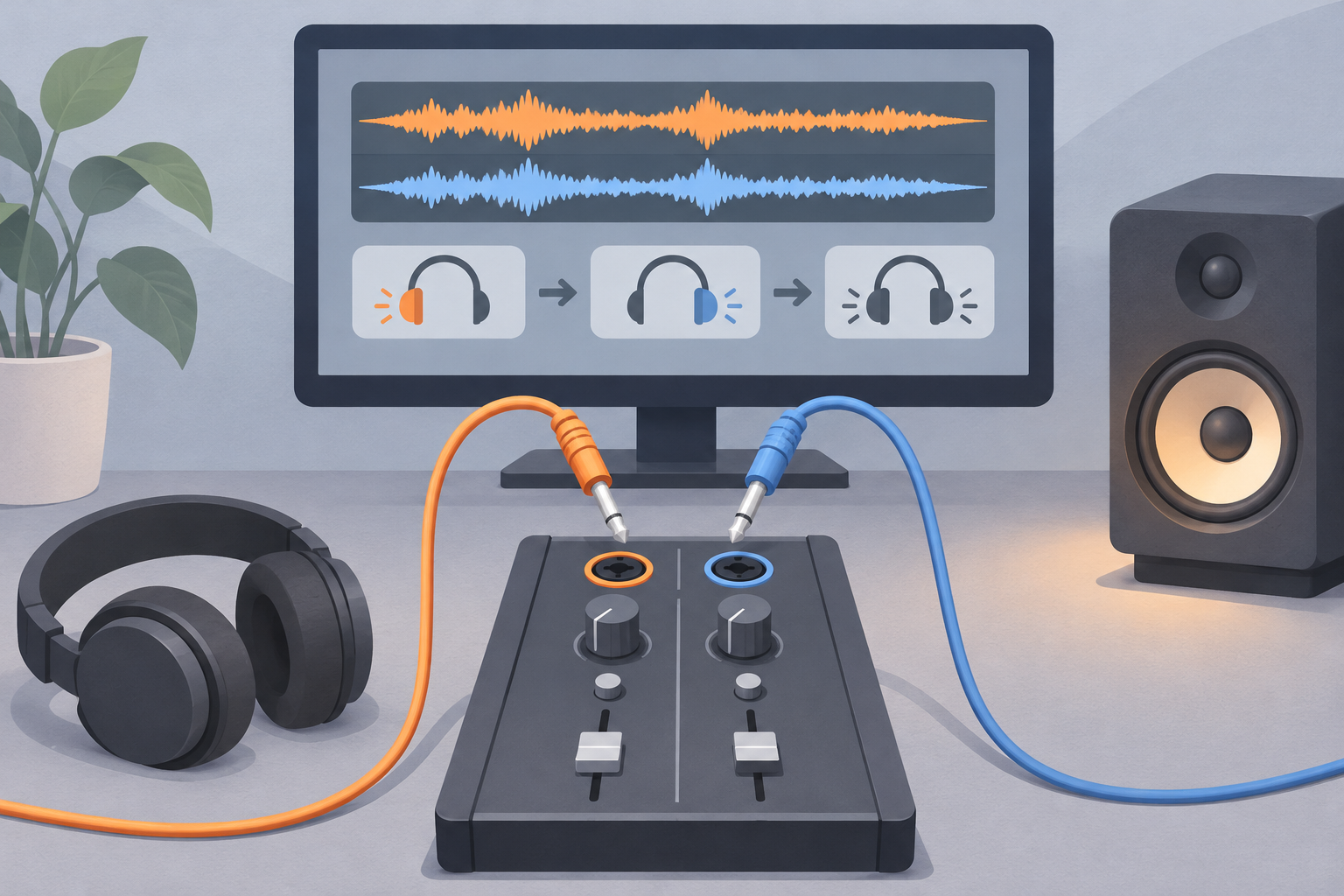
Listen in stereo and mono
Check whether the important sound is present in both versions of the exported passage.
Solo each channel
Compare the left and right channels to locate the source of the change.
Export and check again
After making a source adjustment, repeat the same checks on the new file.
The ZIP includes all 15 synthetic exports, the numerical results and English replay instructions.
Methods
On November 19, 2026, we generated 5 four-second stereo mixes at 48 kHz. The shared background was a 200 Hz tone. The separate test signal combined 400, 1,000 and 1,600 Hz. We exported 16-bit PCM WAV, AAC-LC at 192 kbps and MP3 at 192 kbps. The aligned reference had matching copies and the restored control intentionally repeated that mix.
We measured tone amplitude and overall RMS in the middle 2 seconds of each mono result. Chrome 157.0.0.0 used the Web Audio speaker downmix and FFmpeg 9.0.2 used its standard mono conversion. The routes agreed on the reporting category of every tone. Values are relative to the aligned file of the same format and route. Stable means within 1 dB. Suppressed means at least 35 dB lower. These cutoffs describe the test signals. The experiment did not measure speech intelligibility or app-specific playback. [1][3]
Sources and notes
- W3C Web Audio API, speaker layouts and the stereo-to-mono averaging rule.
- YouTube Help, troubleshooting uploaded audio that changes or disappears in mono.
- FFmpeg filter documentation, default channel conversion and manual channel mixing.
All editions use the same 15 controlled audio exports.