Guides
How to hand off a video for translation
Published by Influence
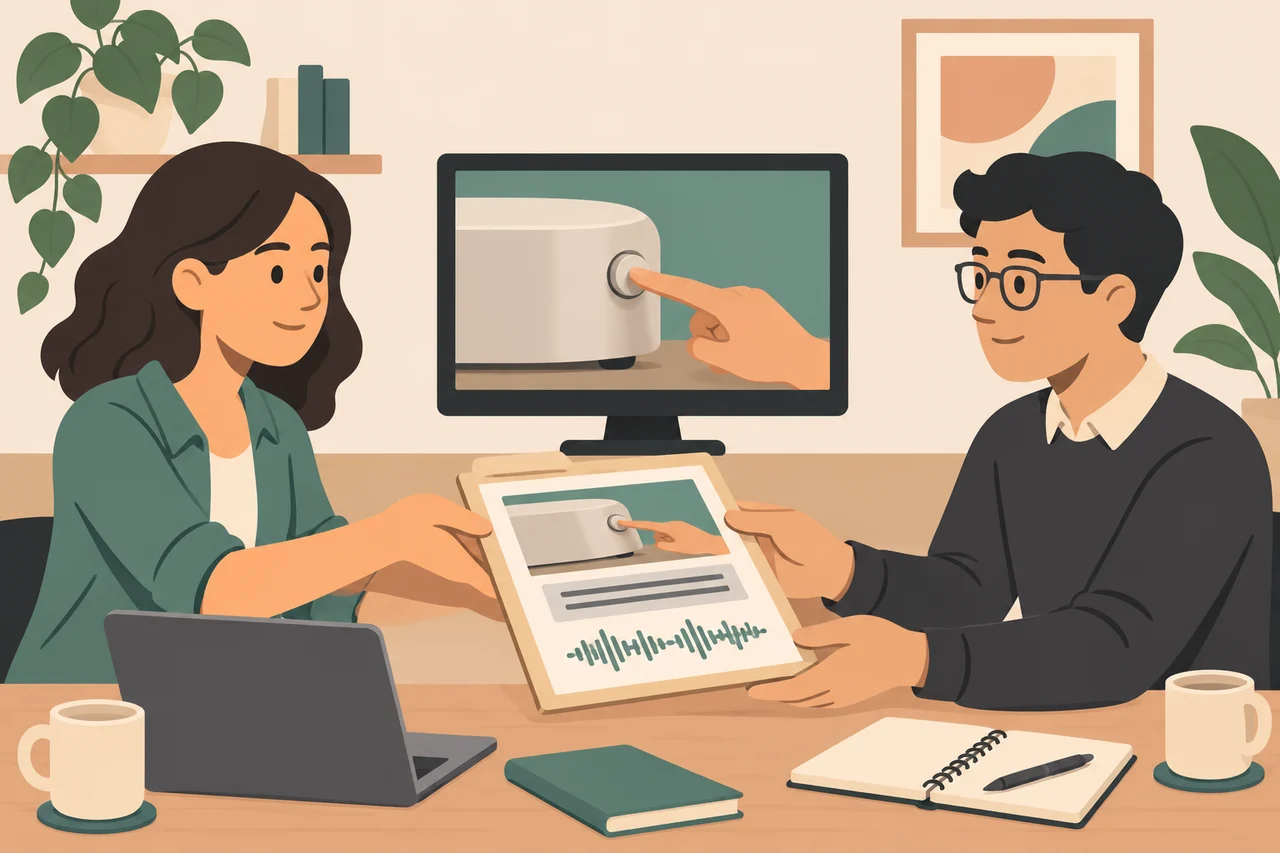
Send the approved video, the words people actually say, and a short note on where the new version will appear. Include timed subtitles if you have them. If the video needs a new voiceover, mark the lines that must match something on screen. Check the returned files against the same video you sent.
Agree on what each language needs
Say where the video will appear and what you need for each language. For example, you may want Spanish subtitles viewers can turn on, plus a French version with new voiceover and on-screen text. Ask which subtitle files the destination accepts. Specify whether the captions should show who is speaking and include sounds that viewers need to understand, such as a doorbell. The new voiceover may also need its own captions. See the W3C guidance on captions and subtitles and YouTube’s caption upload instructions.
Send the video and the words together
Share one approved video and name its version in the handoff note. Include the checked transcript or timed subtitle file for that cut. Mark where on-screen words appear and send editable graphics if the text will be replaced. Add notes for names, pronunciation, and phrases that could be unclear out of context. The Netflix subtitle template guide shows the kinds of notes that can help a translator.
Mark the moments that have to line up
If the voice says “Select Save” when a button changes color, give the recording team that time and explain what happens on screen. Send separate music and effects if you have them and want the editor to keep them under the new voice. Play the translated subtitles with the picture and check that each line stays up long enough to read. If it goes by too quickly, shorten the wording, split the line, or adjust the timing where the picture and nearby dialogue allow. Read more about caption reading time and voiceover timing across languages.
Open the returned version before you share it
Use the actual player or publishing preview. Select the intended subtitle language and check the first and last lines, speaker changes, and captions that sit over important graphics. Listen where any new voice needs to match the picture, then ask someone who understands the language to watch it in context. If the video is shortened later, recheck the opening and closing with subtitles on. In our trim test, a caption that started before the new opening disappeared under the tested settings.
Example handoff for a 30-second product demo
A team needs Spanish subtitles for a 30-second English demo. They send the approved cut, its timed English text, and an editable closing card. Their handoff note calls out the moment at 00:12 when the presenter selects “Save.”
- Check that the Spanish subtitles start with the first instruction and end before the closing card.
- At 00:12, check that the Spanish line points to the right button. If the screen still shows “Save” in English, make sure viewers can identify it. If the line is too long, ask for shorter wording and replay it with the picture.
- Open the translated closing card. Check that the words fit and that the link or action matches what the card says.