Guides
How to tell people an event has changed
Published by Influence
Last checked
Update the event page first. Tell people who already booked, then fix the posts and reminders that could send someone to the wrong place or time. Check the original link on your phone before sending another reminder.
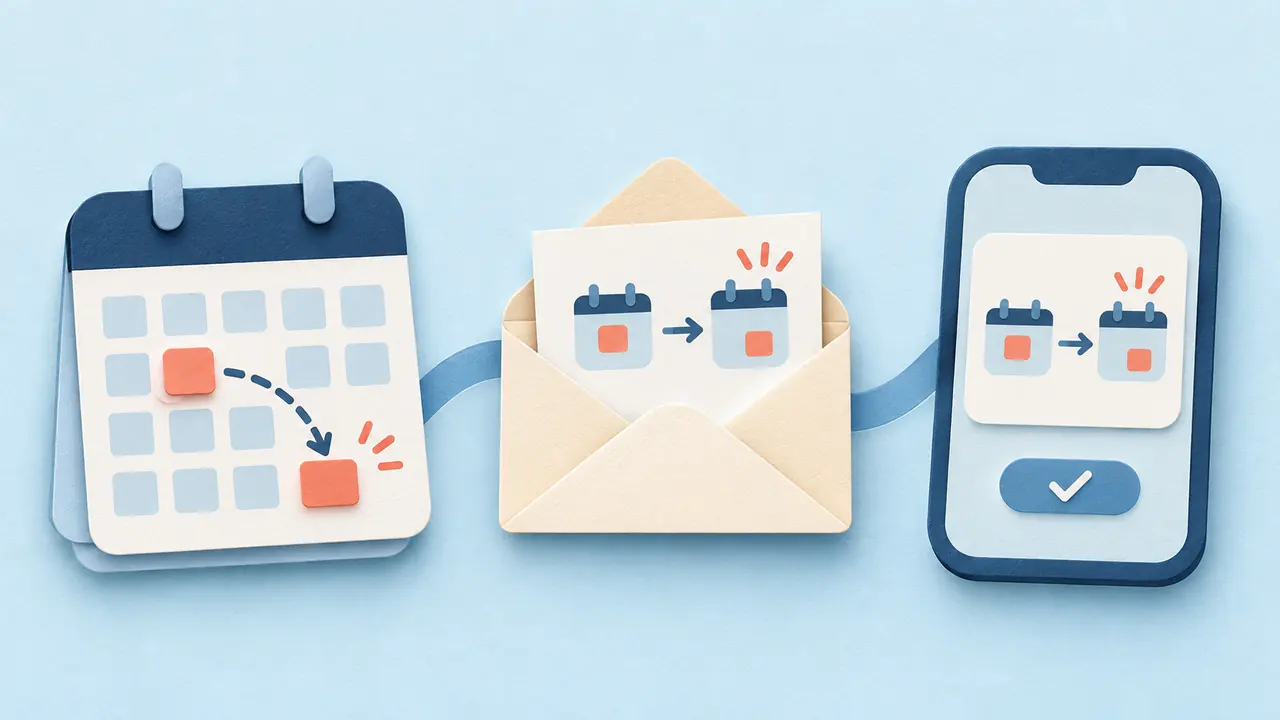
Put the new details on the event page
Give visitors one page for the latest details. Put the change near the top and include the full date, local time, and address or online link. If the venue moves, confirm which entrance visitors should use and update the directions.
For an outdoor event, confirm the organizer’s public hours and the separate hours for any booth or session. In a study of New York City Summer Streets, the permit ended an hour later than the advertised closing time on 5 of 7 dates checked in 2025. Give visitors the hours the organizer tells them they can attend.
If a new date is still unknown, say the event is postponed and tell people where you’ll post the next update. If you manage the event information your website sends to Google, check Google’s instructions for postponed events.
Tell people who already booked
Send the update through the channel you used to confirm bookings. Put the change in the subject line and first sentence. Give people the latest link and any action the organizer has confirmed, such as whether existing tickets still work. If you use Eventbrite, you can email people who booked.
If one session in a series moves, keep the old and new dates and times together. Use both to check which bookings to notify and which reminder to change. In Eventbrite, open the schedule for the affected session before you send the update.
Fictional example
Saturday’s pottery demo now starts at 2 p.m.
The pottery demo on Saturday, June 5 now starts at 2 p.m. local time, an hour later than planned. It’s still in the Community Arts Room, and your existing booking is valid. Check the event page before you leave.
Fix posts and reminders with the old details
Look for the event name and old date in your calendar of scheduled posts. Check pinned posts, partner posts, and any images with the old details. Give partners the correction and the current link. If you promoted the event on your Business Profile, check that post too.
If you changed where a short link goes, open the exact link you already shared. Try it in a browser that visited before and one opening it for the first time. On the first return visit in an Influence IQ test, 6 of 12 links still opened the old page in the test browser. If you can edit that old page, put the new details there too.
Make one last check on your phone
Start from the original post or booking email and follow its link. Can you tell when to show up, where to go, and whether you need to do anything? Ask a teammate to check the same path if the change affects travel, tickets, or access.