Which reminder should you change when a session moves?
A new time tells people when to show up. The old time helps your team find the reminder that needs changing.
A comparison of 2,375 exceptions in the Kubernetes community calendar
The short answer
Send the old and new times together when you move one session in a series. Your teammate can use the old time to find the reminder to update. In the Kubernetes community calendar, five sessions originally scheduled in 2025 had moved. The calendar file gave both starts for each one. When we made a list of the new starts, the old start dropped out every time. [1][2]
Say you run a weekly pottery demo on Wednesdays at 10 a.m. One week it moves to Thursday at 11 a.m. You send your teammate a schedule with the new time. They know when to tell attendees to arrive. To fix the scheduled post, they still need to know which Wednesday’s reminder to open.
One session changes time
Why the old time matters
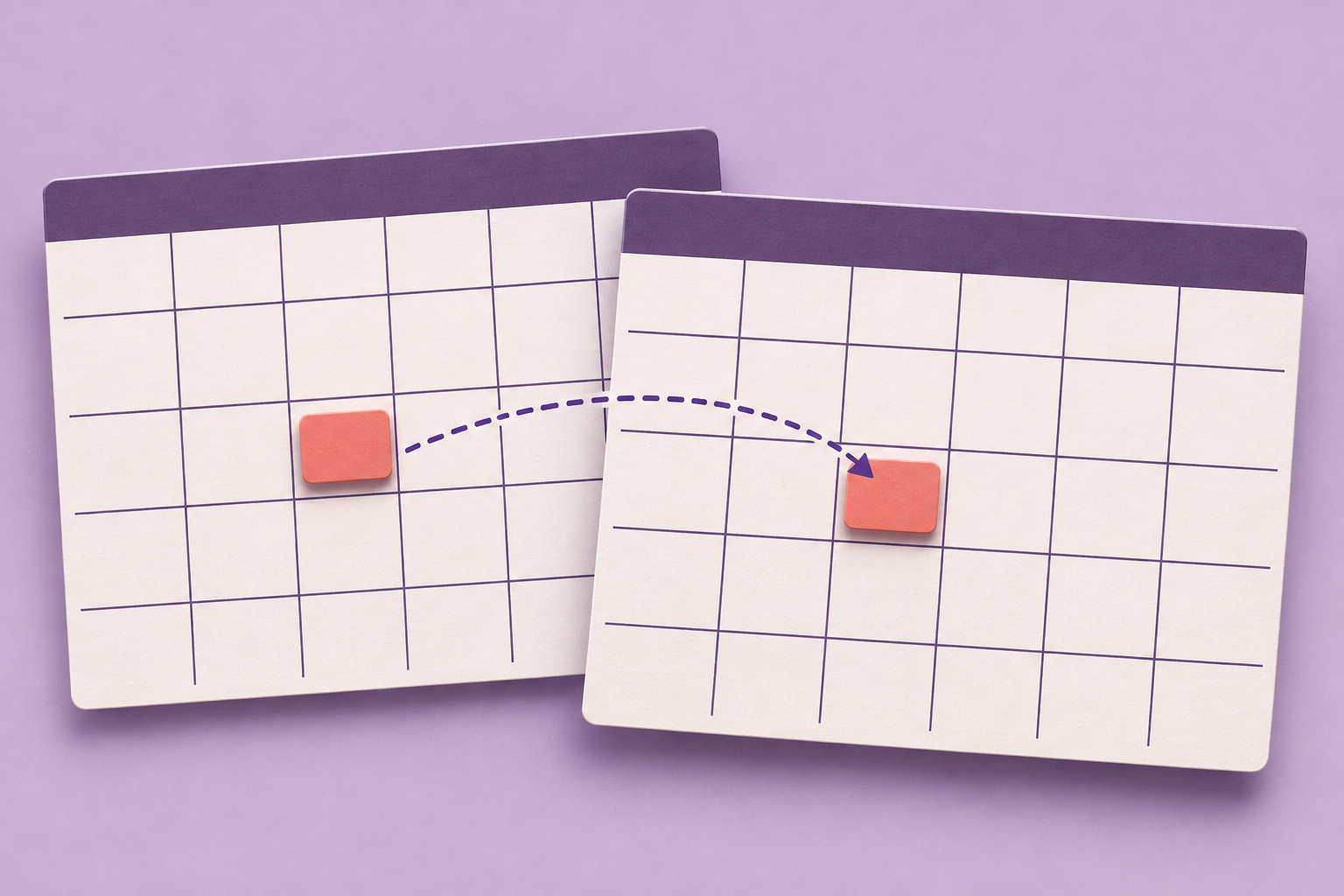
An iCalendar file is a file used to share calendar events. For a moved session, it can carry the original start alongside the new one. The old slot identifies which session moved. In the pottery example, the file can say which Wednesday demo the new Thursday demo replaces. [1]
What we found in a public calendar
We checked entries in the Kubernetes community calendar that the file identified as exceptions to a repeating schedule. An individual session can have a separate entry even when its start stays the same. We compared the original and current starts for each exception. [2]
Five exceptions with original slots in 2025 had a different start. They came from five different series. One shifted by an hour. Four shifted by at least seven days, including one that shifted by two weeks. A teammate looking only at the week of the new date could miss the original reminder.
Six exceptions with original slots in 2024 moved. The file included the main schedule for every affected series in both years. When we made a list with only the current starts, all 11 moved entries lost the link back to their old slot.
How many sessions moved?
We checked sessions with their own entry and an original slot in 2024 or 2025 in the Kubernetes community calendar.
| Year of the original slot | Start stayed the same | Start moved | Start moved by at least 7 days |
|---|---|---|---|
| 2024 | 1,196 | 6 | 3 |
| 2025 | 1,168 | 5 | 4 |
Give your teammate the old and new times
Put the session name and both dates and times in the same row. Give the time zone if your team or attendees work in different places. Include the official event link and name the reminder to update. For the pottery demo, an example note could read “We moved the June 2 pottery demo from Wednesday at 10 a.m. to Thursday, June 3 at 11 a.m. venue time. Update Wednesday’s scheduled reminder and email the people who booked.”
Keep the link to the shared calendar handy while you make the changes. Outlook’s instructions distinguish importing a calendar file once from subscribing to it for later updates. Check the reminders that were already scheduled as well as the event calendar. [3]
What to put in the handoff

Name the session that moved
Use the event name your teammate will see in the publishing calendar.
Give both dates and times
Keep the old time next to the new one and include the time zone.
Say what to change
Point to the reminder to update and give the current event link.
The ZIP includes de-identified data, source links and English replay instructions.
How we checked the times
We collected the public calendar files on November 19, 2026. We included entries that gave an original slot in 2024 or 2025 for one session in a repeating series. Two independent tools read the original slot, current start and status. They agreed when both used the calendar file’s own time zone rules. We made our own start-only list to check what a handoff of current starts would omit. [1][2]
The comparison covers exceptions written out in the file. The two calendars can also skip a date or change a series without making an entry of this kind. The Sovereign Cloud Stack calendar had no explicit exceptions for the two years in its snapshot. Repeated downloads gave the same reported counts. [4]
Sources and notes
- iCalendar specification, how the original slot identifies an individual session.
- Kubernetes public community calendar and meeting guidelines.
- Microsoft instructions for importing or subscribing to a calendar in Outlook.
- Sovereign Cloud Stack, public community calendar source.
All editions use the same calendar comparisons.