Multilingual fonts need a language-by-language handoff
We tested eight font families with campaign copy in ten languages. In 28 of 160 cases, the browser used a font installed on the computer. Explicitly supplied companion files replaced those installed fonts.
A controlled font-rendering study using fixed campaign specimens, measured on October 20, 2026.
Abstract
Approve the exact localized copy, font files and weights for each campaign language. An English mockup and a family name alone do not establish which font will render another language. In our controlled comparison of eight families, two weights and ten language specimens, 28 of 160 original cases used a font installed on the computer. Those cases comprised 14 Thai and 14 Japanese combinations.[1]
Adding an explicit companion family replaced installed-font use in all 28 paired cases. The original family still rendered all three text fields by itself in the same 132 cases; its own character coverage had not changed. These are results for selected full font files and fixed specimens in Chrome 148 on macOS 26.5.1, not a font-market failure rate or a ranking of design quality. For businesses and creators, the practical output is a handoff that names the intended rendering for each language.
A clothing business approves an English campaign mockup. The type looks right, the designer names the family, and a creator receives the artwork to adapt for local audiences. Everyone believes the typography decision is finished. Then the Japanese and Thai versions arrive, still carrying the approved font name in their settings.
What should the reviewer check? The text may be visible and the font file may have loaded, yet a different family can be drawing some of the words. Looking only for empty boxes misses the more ordinary question: did the team choose this appearance, or did the software choose it for them?
We built a small campaign specimen to examine that handoff. The finding supports a specific change to the brief: decide which fonts should render the actual translated copy, check the weights, and review the final form in which people will see it. That decision belongs alongside translation and layout approval.
One campaign, deliberate font choices
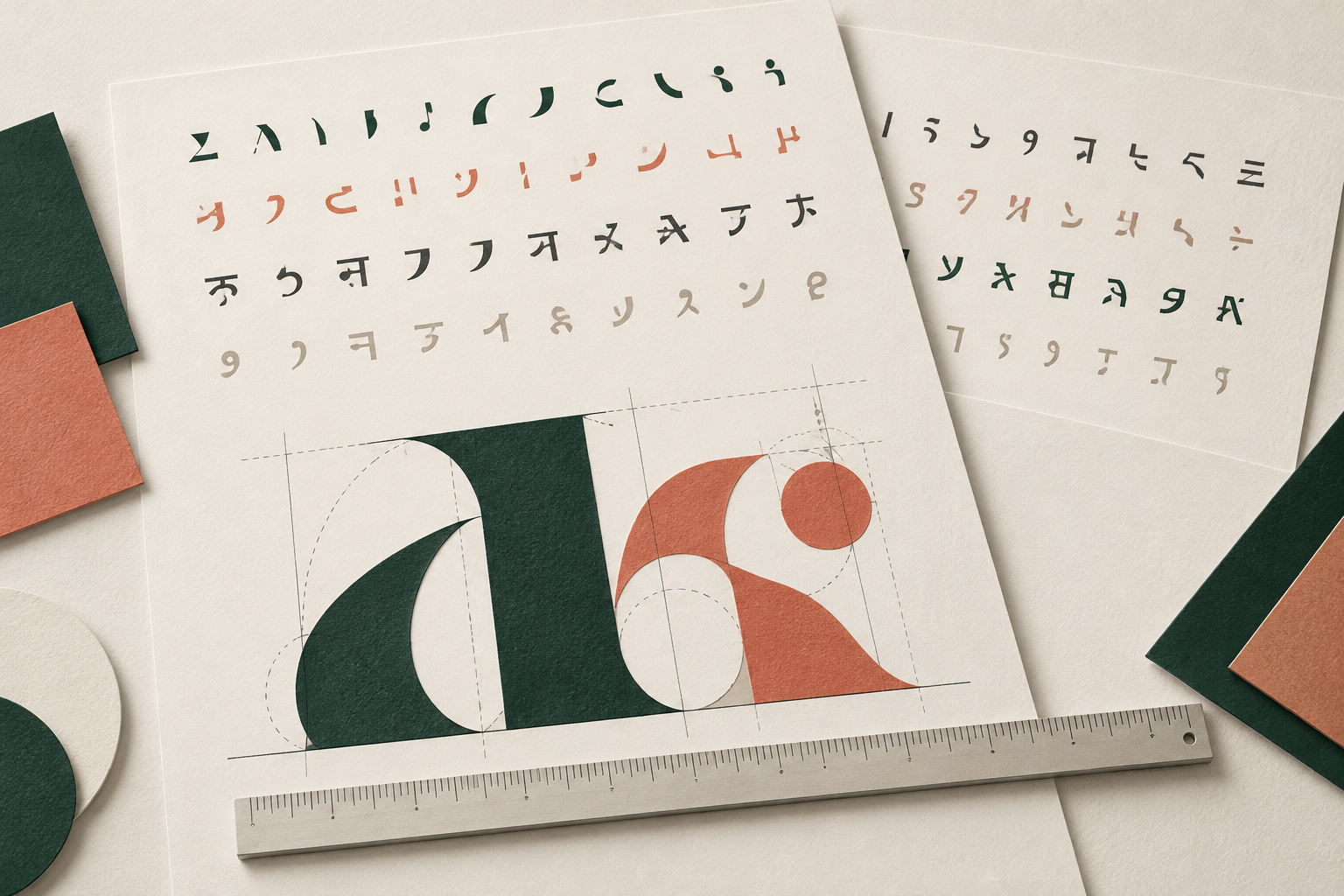
- The approved words
- The font files and weights
- The delivered version
A family name did not describe every rendered version
We tested Lato, Montserrat, Noto Sans, Noto Sans JP, Noto Sans Thai, Playfair Display, Poppins and Roboto. Each family appeared at regular weight 400 and bold weight 700 with English, Spanish, French, German, Dutch, Indonesian, Malay, Tagalog, Thai and Japanese copy. One case means one family, weight and language, covering a headline, body sentence and call to action.
The first version named the candidate family followed by a generic fallback: serif for Playfair Display and sans-serif for the other seven. A generic fallback lets the browser find a suitable font installed on the computer. It does not name a particular font file that the brand has supplied.[2]
There were 20 cases per family and 160 altogether. Six families used an installed font in four cases each, covering both weights of the Thai and Japanese specimens. Noto Sans JP used an installed font in its two Thai cases; Noto Sans Thai did so in its two Japanese cases. All tested cases written in Latin script stayed within their named candidate family.
The numbers describe this chosen set of sentences and files. We deliberately compared a manageable shortlist, including two script-specific families. We did not draw a representative sample of brand fonts or test every character that a language might require. A product name, currency symbol or later headline could introduce something absent from our specimen.
Installed-font use appeared in 28 of the 160 original cases
Each family has 20 cases: ten language specimens at regular weight 400 and bold weight 700. A case includes a headline, body sentence and action text.
| Requested candidate family | Cases in each stack | Installed font with generic fallback | Installed font with explicit companion |
|---|---|---|---|
| Lato | 20 | 4 | 0 |
| Montserrat | 20 | 4 | 0 |
| Noto Sans | 20 | 4 | 0 |
| Noto Sans JP | 20 | 2 | 0 |
| Noto Sans Thai | 20 | 2 | 0 |
| Playfair Display | 20 | 4 | 0 |
| Poppins | 20 | 4 | 0 |
| Roboto | 20 | 4 | 0 |
The companion changed who rendered the text
For the paired version, we kept the candidate first and added an explicit companion before the same generic fallback. We used Noto Sans for the eight specimens written in Latin script, Noto Sans Thai for Thai and Noto Sans JP for Japanese. When candidate and companion were the same family, we listed it once.
None of the 160 paired cases used an installed font. In 28, a pinned companion took over work that the installed fallback had done. In the other 132, the candidate still supplied all three fields. Adding a companion did not expand the original font file; it specified another file the browser could use.
The Lato examples make this concrete. At both tested weights, its Thai headline used the installed family Thonburi in the generic version and Noto Sans Thai in the companion version. Its Japanese headline moved from Hiragino Kaku Gothic ProN to Noto Sans JP. The English and French Lato examples remained rendered by Lato.
Playfair Display shows why a companion needs a design decision as well as a technical one. Its Japanese headline used Hiragino Mincho ProN under the serif fallback. Our explicit Noto Sans JP companion changed that to a sans-serif family. We established which file rendered the specimen, not that this pairing preserved the intended visual character.
A business can keep a Latin brand family and deliberately choose a companion for another script. A creator can then carry the pairing into the next asset. The point is to make that choice visible in the brief. Our companion choices are functional examples, not aesthetic recommendations for every brand.
Companions changed the fallback owner in the same 28 cases
The same 160 candidate, weight and language combinations are retained in both stacks.
| Fallback stack | Tested cases | Candidate only | Explicit companion used | Installed font used |
|---|---|---|---|---|
| Candidate plus generic fallback | 160 | 132 | 0 | 28 |
| Candidate plus explicit companion and generic fallback | 160 | 132 | 28 | 0 |
Approve the wording, the font choice and the finished form
Begin with the words that will actually ship. Include the headline, supporting sentence and action text, then add any product names, prices or other material wording in the real campaign. An attractive alphabet sample is not a substitute for seeing those words in their intended positions.
Next, name the files and weights for each language. The regular body and bold headline need their own checks. In our experiment, 400 and 700 were available in authentic upright files or variable-font axes, and artificial weight synthesis was disabled. A bold-looking preview alone would not establish those conditions.
For live web text, ask the implementer to check the rendered font rather than only the declared family. Chrome exposes this under Elements, Computed, Rendered Fonts. Its documentation also distinguishes a font obtained from a local installation from one supplied as a web resource. That matters when a designer and developer have different copies available.[3]
Then read the composition as a whole. Look at the relationship between headline and body, the action text, line breaks and spacing. Confirm that the local wording remains complete and natural. Identifying a font does not decide whether the text is well composed, so keep the language and design review connected.
This can be a short exchange between the person commissioning the asset and the person producing it. The useful evidence is a clearly identified version with the intended text and actual rendering. Approval can then refer to that version instead of leaving the next person to reconstruct what “use our brand font” meant.
Three decisions in a multilingual font handoff
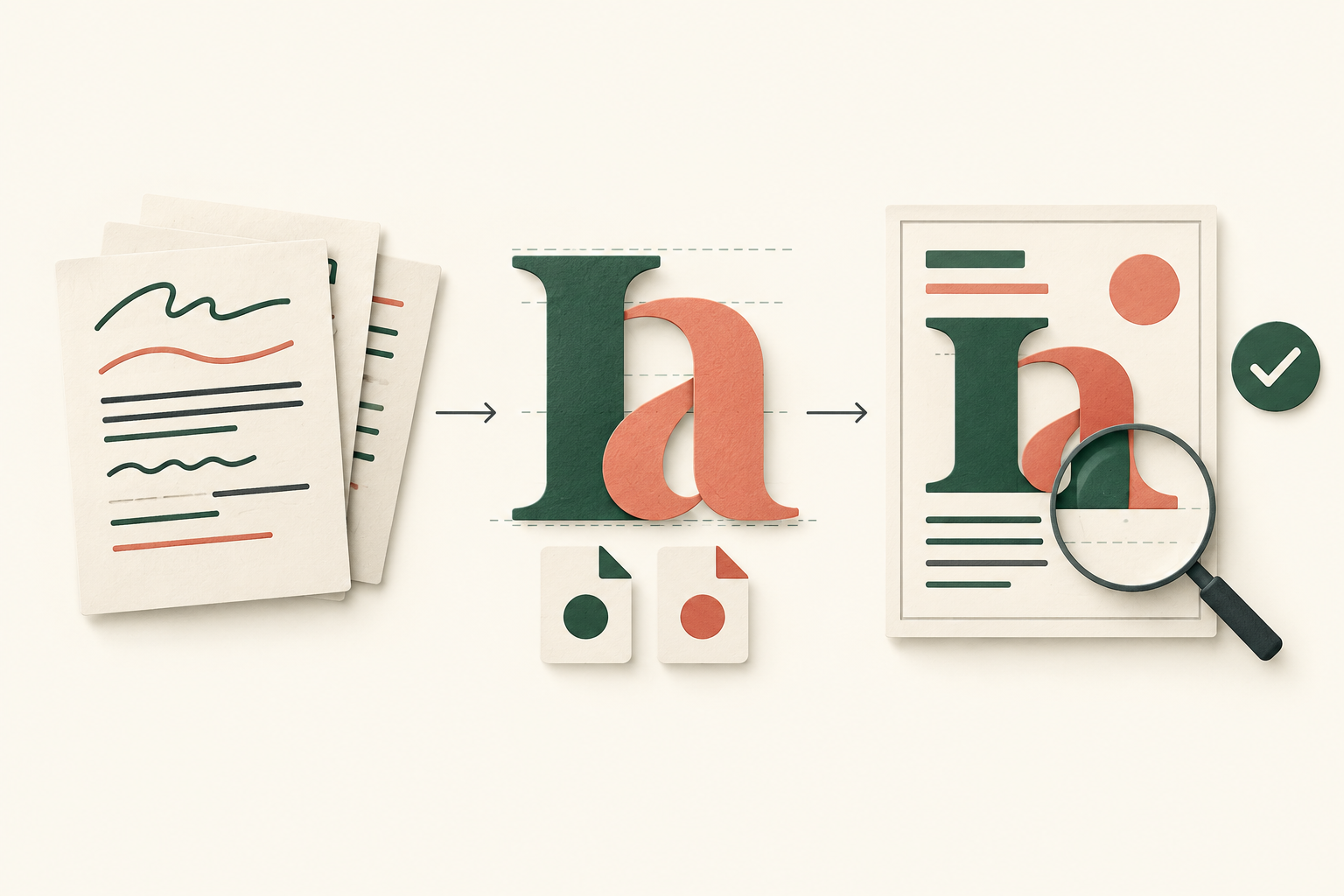
Approve the local wording
Use the actual headline, supporting text and action in each language.
Specify files and weights
Name the candidate and intended companion, then check what renders the text.
Review the delivered form
Read the exported artwork or live page and keep its approved version with the brief.
Copy this font handoff brief for the next campaign
Use one entry per language and delivery format. Fill the brief with the campaign copy after translation review, then keep it with the asset or editable template. The downloadable package includes a worksheet in each article language; the fields below can be copied without signing up.
Campaign and language: [Name the campaign, language and intended audience.] State whether this entry covers a social image, an editable creator template or live text on a web page. Different deliverables can share a visual direction while needing different production checks.
Approved wording: [Paste the exact headline, body and action text.] Include any additional visible wording that needs review. Identify the approved copy version so a later product-name or offer change prompts another look at the affected text.
Font assignment: [Name the candidate and any companion, the exact file or version, and the intended weight for each text role.] State which language or script the companion serves. Keep the font source and applicable license with the handoff instead of relying on a family name alone.
Rendering check: [Record the application or browser, version and platform used, plus the actual font found for the relevant text.] For a web page, distinguish the declared family from the rendered family. If another font appears, decide whether it is an intended companion before approving the version.
Final-form check: [Link the exported asset or live page and the editable source.] Note the sizes or placements reviewed and any line breaks that need attention. Confirm that the final wording is complete and that the visual hierarchy still works in the delivered version.
Approval and next edit: [Name the reviewer and the approved version.] State who should recheck a changed headline, weight, font file or delivery format. A useful handoff makes the next small revision straightforward without treating an earlier English approval as permission for every later language.
A worked handoff for the clothing campaign
Return to the fictional apparel business. Its English headline is “Find your next favorite piece.” The supporting sentence introduces a collection in different colors and sizes, followed by “View the collection.” These are the English words from our authored specimen, used here to illustrate a handoff rather than an actual advertisement.
In the fictional brief, the business asks for Lato at weight 700 for the headline and 400 for supporting copy and action text. The creator needs English, Thai and Japanese versions of a campaign image, and the developer needs corresponding live text for a landing page. The delivery formats are identified before anyone treats one preview as approval for all of them.
For the Thai web version, the entry names Lato first and Noto Sans Thai as the explicit companion. The Japanese entry names Lato followed by Noto Sans JP. The real study supports those pairings for the exact specimen at both tested weights in our environment. The fictional team still reviews the resulting composition for its own visual direction.
The creator receives the localized wording, the selected files and the intended weights. The developer records the rendered families on the actual landing page. The business reviews the finished image separately. This assigns each person an observable result instead of asking everyone to approve an ambiguous font-name setting.
Suppose the fictional campaign later adds a product name to the headline. The copy entry changes, so the team checks that line again in the relevant asset and live page. They do not need to rerun our eight-family experiment. They need to establish that the changed text is still rendered and composed as intended.
The brief now answers the questions the original English mockup left open: which words, which companion, which weight and which delivered version. This is a practical production improvement. We did not test whether the pairing increases attention, readability preference, clicks or sales.
Review exported artwork and live text in their own forms
A flattened image and an editable page carry typography differently. In a PNG campaign image, the letter shapes are part of the raster image. Viewing that image does not ask the browser to reconstruct those shapes from the creator’s font family setting. The PNG specification describes this pixel-based format.[4]
That makes the exported file the relevant visual check for the image. Open the actual version that will be delivered and read it at its intended viewing size. Check cropping, missing wording, spacing and line breaks after export. An editable canvas that looked correct earlier is not the final file the audience will receive.
An editable template has another handoff ahead of it. The recipient may replace the sentence, change a weight or reopen the design in another environment. Include the font information and approved wording with the source so that the next person can check the edited result. A screenshot of an earlier version cannot establish the rendering of a later one.
Live web text needs a check on the page where it is served. A family name in the stylesheet expresses a request; the rendered-font information establishes what the browser used for the chosen text. Our controlled results show that these can differ even when the intended file loads successfully. That is why checking only for a loading error would have missed our 28 installed-font fallback cases.
Turning all web text into pictures is not the remedy. Text that remains text can support adjustments to its presentation; the W3C accessibility guidance generally prefers text over images of text when the same presentation can be achieved, with specified exceptions. Preserve a usable text version while making the font handoff more explicit.[5]
For a business sending one campaign through several channels, approve the relevant deliverable each time: the exported image, the editable source for the creator, and the live page for the developer. This keeps the same intended message connected to the actual form people receive, without assuming every tool makes the same rendering choices.
How we tested the fixed font and copy combinations
We selected eight families purposefully and pinned the original full TTF files from the Google Fonts repository at commit 47d54ca1ebb14fd864695f1d39dc734f39017c33. The selection used ten files because Lato and Poppins have separate regular and bold files here; the other six use variable files. The source manifest includes their hashes, versions and license links.[6]
We authored a hypothetical clothing-collection headline, body sentence and action text, then translated and reviewed the same meaning in ten languages before measurement. Every family received the same three strings for a given language. The 160 original combinations and 160 companion combinations produced 960 individual text blocks, with none excluded from the results.
The isolated browser test used Chrome 148.0.7778.97 on macOS 26.5.1. It loaded the pinned files directly, with no local-file substitution, normal style, explicit weights 400 and 700, default width settings, optical sizing disabled and no artificial font synthesis. All ten assets loaded successfully and matched their expected hashes.
For each text block, Chrome’s native rendered-font method returned the actual family, PostScript name and whether the font was custom supplied. We compared those records with the source files and separately checked character mappings and shaping. The browser’s glyph counts are retained as technical evidence, not converted into percentages of characters.[7]
A case counts as using an installed font if any of its three fields used one. A candidate-only case means the named candidate supplied all three fields. The comparison changes the fallback stack while holding the copy, candidate and requested weight fixed. Fourteen Thai and fourteen Japanese cases account for all 28 original installed-font cases.
The findings apply to these exact files, sentences and environment. We have not established complete language coverage, identical results on other platforms or the appearance of Google Fonts API subsets. The downloadable package preserves the case data, source references and calculations. Its reproduction script checks the counts from captured measurements; it does not recreate a fresh browser experiment.[1]
- Download the English font-rendering counts (CSV)
- Download case data, localized worksheets and English analysis code (ZIP)
No sign-up required. The package includes localized worksheets plus English technical documents, captured measurements and source links. Font binaries are not included. Its script reproduces the reported counts from the saved case data; obtaining the source files and running a browser is a separate step.
Sources and notes
- Influence IQ controlled font-rendering study, October 20, 2026. The technical package contains all 320 stack-specific cases, the 30 authored text strings, source metadata, a handoff worksheet and count-reproduction code. Localized specimens were translated and independently reviewed with AI; no native-speaker validation is claimed. Technical documents are in English; practical worksheets are provided in all ten article languages.
- W3C, CSS Fonts Module Level 4, font matching and fallback. A requested family list and generic family guide matching; they do not establish that the first named family supplies every rendered character. The companion choices in this study are explicit alternatives for the fixed specimens, not judgments of typographic quality.
- Chrome for Developers, Apply other effects: Disable local fonts. The documentation shows Rendered Fonts under Elements and Computed, including the distinction between local and network font resources. The measurement in this study used Chrome’s native protocol for the same underlying rendering question.
- W3C, Portable Network Graphics Specification, Third Edition. PNG stores raster image data. This supports the distinction between checking an exported image and checking editable text that is rendered with font files.
- W3C WAI, Understanding Success Criterion 1.4.5: Images of Text. The guidance explains using text rather than images of text when the desired presentation can be achieved, with exceptions including essential presentation and customization. This study is not a website accessibility conformance audit.
- Google Fonts repository, pinned commit 47d54ca1ebb14fd864695f1d39dc734f39017c33. Credit remains with the respective font authors. The selected files carry SIL Open Font License 1.1 notices; exact source and license links are supplied in the manifest. Influence IQ made no changes to the font binaries.
- Chrome DevTools Protocol, CSS.getPlatformFontsForNode. The native method reports fonts used to render child text nodes. Variable-font family names can retain “Thin” from a default instance; our attribution also checks the source file and explicit weight settings rather than treating that word as the rendered weight.
All ten article editions explain the same fixed ten-language experiment. Translation of this article does not add new test cases or establish font support for every word in a language. Technical documents are in English; practical worksheets are localized.