Guides
ChatGPT Prompts for Social Media: Briefs and Examples
Published by Influence
Last checked
A useful ChatGPT prompt for social media names the audience, purpose, verified facts, desired format and limits. Ask for a small set of drafts, review the differences and revise the best one. These prompts are for writing and planning; using them does not connect an account, schedule a post or publish anything.
Copy the prompts into your preferred writing workflow and replace every bracketed field. You do not need an Influence connection to use them. Share only information and media you are allowed to provide to the service you choose.
Download template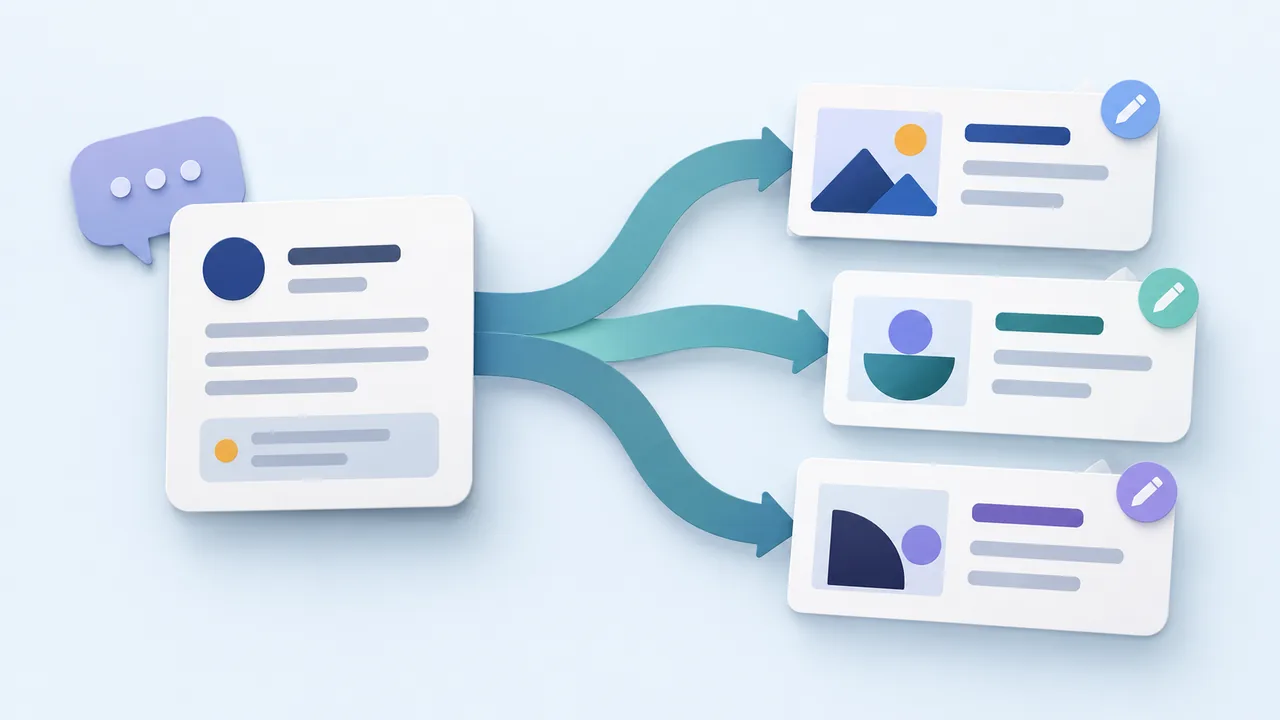
Give the model a usable brief
“Write a viral post” leaves the important decisions unspecified and asks for an outcome nobody can guarantee. “Write two captions for beginners choosing a pottery class, using these supplied facts” gives the model a task you can evaluate.
Separate facts from instructions. Include the details that must remain exact, such as dates, inclusions and exclusions. Describe the voice with an example sentence rather than a chain of vague adjectives. Ask the model to flag missing facts instead of inventing them.
Copy the main prompt
Write [number] draft social posts for [platform and audience].
Purpose: help the reader [understand or do one thing].
Verified facts: [facts, dates, offer terms and limitations].
Available material: [authorized images, video or notes].
Voice example: [a short sentence that sounds like us].
Output: [format and approximate length], followed by facts I should check.
Keep the meaning accurate. Do not invent prices, testimonials, statistics or availability. Mark missing information as a question. Do not schedule or publish.
Use focused prompts for different tasks
| Task | Prompt to add after your brief |
|---|---|
| Find ideas | Suggest five customer questions we can answer using these facts and assets. For each, name the useful answer and suitable format. |
| Draft a caption | Write two openings with different angles, then one complete caption with a relevant next step. Avoid unsupported urgency. |
| Adapt a message | Make separate Instagram and LinkedIn versions. Preserve the offer facts, but adapt the opening, explanation and call to action for each audience. |
| Improve a draft | Identify unclear wording, unsupported claims and missing context. Explain each concern, then rewrite without adding new facts. |
| Plan a sequence | Propose three related posts: an introduction, a practical explanation and a reminder. List what must be verified before assigning dates. |
Choose the smallest prompt that solves the current problem. Asking for a full strategy, thirty captions and a performance forecast at once makes individual decisions harder to inspect. Keep the approved source facts beside the drafts as you revise.
Worked example: from brief to caption
Fictional example: Maple & Clay teaches a beginner mug workshop. Clay and tools are included. Pieces remain at the studio for firing. The owner has an authorized photo of the workbench and wants to explain what a beginner should expect.
Fictional example
Write two Instagram captions for people considering their first pottery class. Explain that our mug workshop includes clay and tools and that pieces stay for firing. Use a warm, straightforward voice. End by inviting readers to check workshop details. Do not invent a price, date, discount or number of places. Keep each caption under 80 words.
One possible edited draft:
Fictional example
Your first mug starts with a piece of clay. We provide the clay and tools and guide you through shaping the cup and attaching its handle. After the workshop, your piece stays with us for firing. Check the workshop details to see whether it’s right for you.
The owner still needs to confirm the booking destination and inspect the photo. A fluent answer is not proof that every detail is true. Do not turn a model’s suggestion into a customer quote or claim that the sample produced real results.
Review and revise before using the text
- Compare every factual statement with the source brief.
- Read the caption aloud and remove wording you would not use with a customer.
- Check destination-specific links, mentions, media rights and format limits.
- Replace placeholders and confirm dates, prices and account selection.
- Save the finished version for review; publish only through your normal approved workflow.
Use the brand voice template to improve the brief, or the caption templates when you want a starting structure without AI.
Frequently asked questions
Can a prompt guarantee engagement?
No. A prompt can help produce and revise text. Audience response depends on the content, context and distribution; inspect actual results rather than accepting predicted success.
Do these prompts require a paid Influence account?
No. They are free writing examples. Your chosen AI service has its own access and usage terms.
How do I publish through a connected assistant?
That is a separate workflow. Follow the ChatGPT publishing guide for the supported connection and exact review requirements. These creative prompts do not establish that connection.
Sources and next steps
OpenAI’s prompting guidance supports clear context and iterative revision. The prompts and pottery example here are original exercises. Use the calendar template to organize drafts after checking them.